

How to Print Digital Wall Art: Sizes, Paper and Where to Print
Printable wall art is the quickest way to fill an empty wall: you buy a file, print it, and frame it the same day. This guide walks through the whole process, from choosing a size to hanging the finished print.
What you get when you buy printable wall art
A printable is a digital image file, not a physical print. Nothing is posted to you. With ArtPics24, each purchase is a set of high-resolution JPEG files of the same artwork in five crops: square 1:1, portrait 3:4 in two different crops, landscape 3:2 and landscape 16:9. You print the one that matches your frame, as many times as you like for your own home.
Step 1: Choose the size and the matching file
Start with the frame or the wall space, not the file. Decide the size you want on the wall, then pick the file with the same shape:
| File in your download | Fits these frames (inches) | Metric sizes |
|---|---|---|
| Square 1:1 | 8×8, 10×10, 12×12, 16×16, 20×20 in | 20×20, 30×30, 40×40, 50×50 cm |
| Portrait 3:4 (two crops, A and B) | 6×8, 9×12, 12×16, 18×24 in | 15×20, 30×40, 45×60 cm |
| Landscape 3:2 | 6×4, 9×6, 12×8, 18×12, 24×16 in | 15×10, 30×20, 45×30, 60×40 cm |
| Landscape 16:9 | 16×9, 24×13.5, 32×18 in | 40×22.5, 80×45 cm |
If your frame is not in the table (8×10, 11×14, A4 and 24×36 are common examples), the wall art size guide shows which file to use and how much will be trimmed.
Step 2: Check the resolution for your print size
Print sharpness depends on how many pixels are spread over each inch of paper. To find the largest size a file prints at full quality, open the file's properties (right-click, then Properties or Get Info), note the pixel dimensions, and divide each by 300. A file 3600 pixels wide gives a 12 inch wide print at 300 pixels per inch.
- 300 pixels per inch is the standard for prints viewed up close.
- 150–200 pixels per inch still looks good on larger prints, because they are viewed from further away.
- Always print from the files you downloaded after purchase. The preview images on a shop page are reduced for the web and will print soft.
Step 3: Decide where to print
At home
A home inkjet printer handles small prints well, usually up to A4 or US Letter, which covers 6×8 and 8×8 inch prints. Use the printer's highest quality setting, select the paper type you loaded, and print at actual size or 100% so the printer does not rescale the image.
At a local print shop or photo lab
For anything larger than your printer can manage, a local print shop, photo lab or office-supply store is fast and inexpensive. Upload the file or bring it on a USB stick, state the exact size, and ask what papers they offer. Many shops print while you wait.
With an online print service
Online print services let you upload the file, choose size and paper, and have the print delivered. Many will also mount or frame it. This is the easiest route for large formats and for canvas prints.
If a shop asks whether you are allowed to print the artwork, your purchase receipt and the personal-use licence that comes with every ArtPics24 download cover printing for your own home or as a personal gift.
Step 4: Pick the paper
- Heavyweight matte or fine-art paper (roughly 200–300 gsm) suits painterly pieces, botanicals and vintage-style prints. It has no glare behind glass.
- Satin or lustre photo paper gives deeper blacks and richer colour, which helps dark, moody and gold-toned designs.
- Glossy paper is the most vivid but reflects light, especially under frame glass.
- Canvas works for large statement pieces and needs no glass or frame.
Thin copy paper tends to ripple and lets colours look flat, so it is best kept for test prints. Gold-toned artwork prints as a gold colour; it is not metallic foil.
Step 5: Print settings checklist
- Select the highest print quality.
- Match the paper setting to the paper you are using.
- Choose borderless printing for an edge-to-edge print, or keep a white border if the print will sit behind a mat.
- Turn off "fit to page" unless you want the image resized.
- Print a small test first. Screens are backlit and paper is not, so prints usually look slightly darker than the screen.
Step 6: Frame and hang
A mat (the card border inside a frame) makes a small print look larger and more finished, and lets you use a frame one size up. As a starting point, hang art so its centre is at about eye level, roughly 57 inches (145 cm) from the floor. Above a sofa or bed, a print or group of prints about two-thirds the width of the furniture looks balanced.
Printable wall art to try
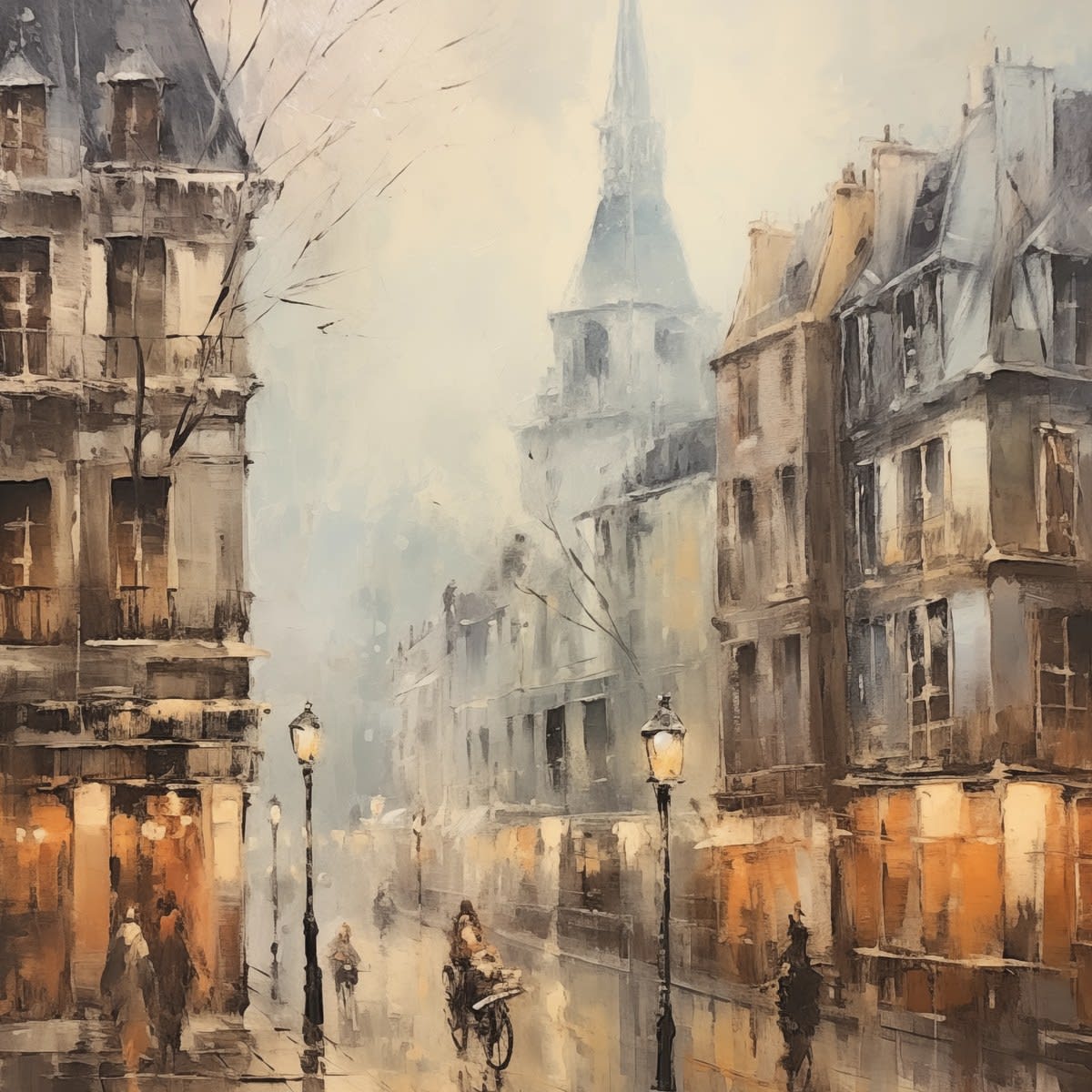
Ready to print something? These pieces come with all five crops. You can also browse wildflower wall art, geometric wall art, city wall art, neutral & beige wall art, or see all printable wall art.

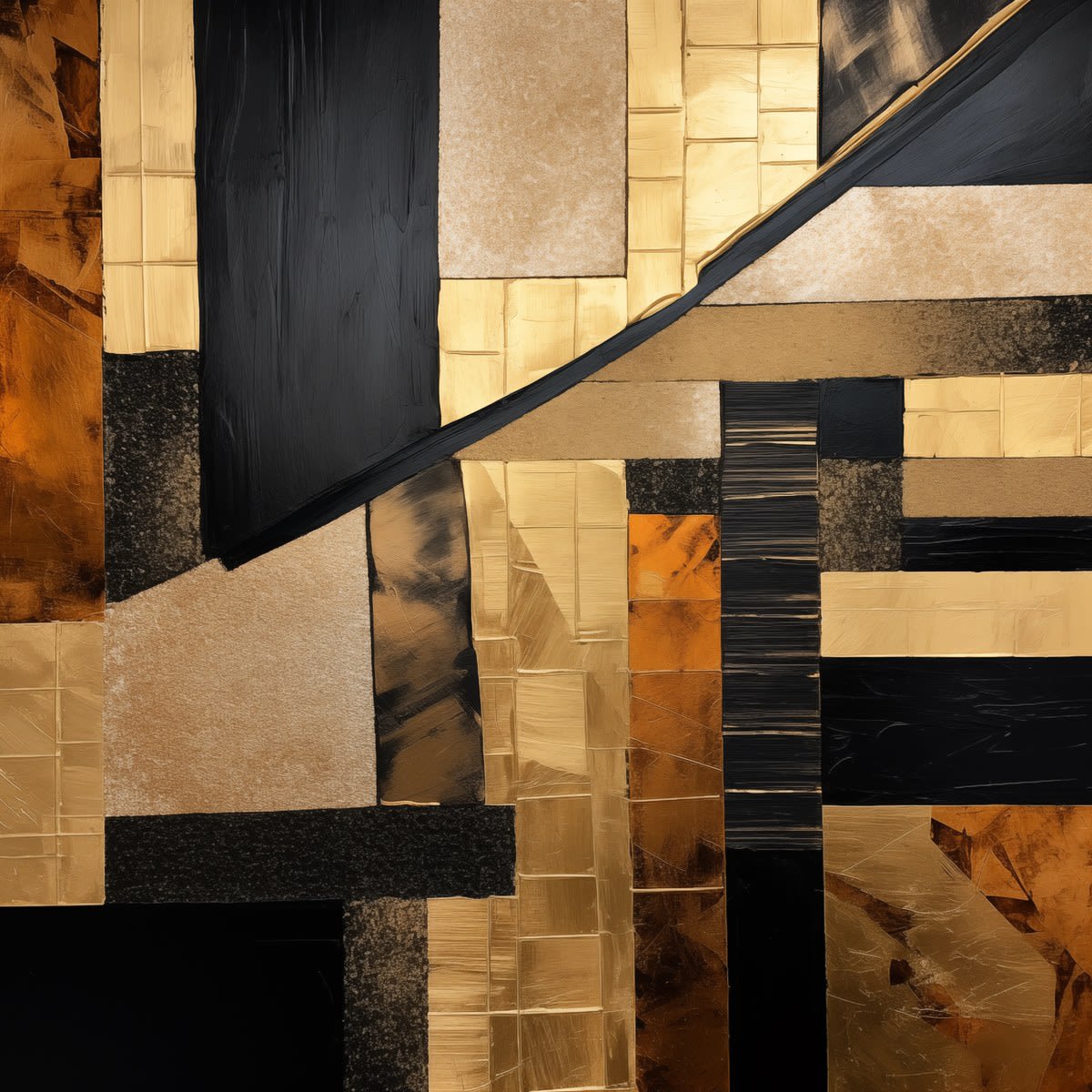
Strata Study I
First strata study — precise horizontal layers in cool, contemporary tones.
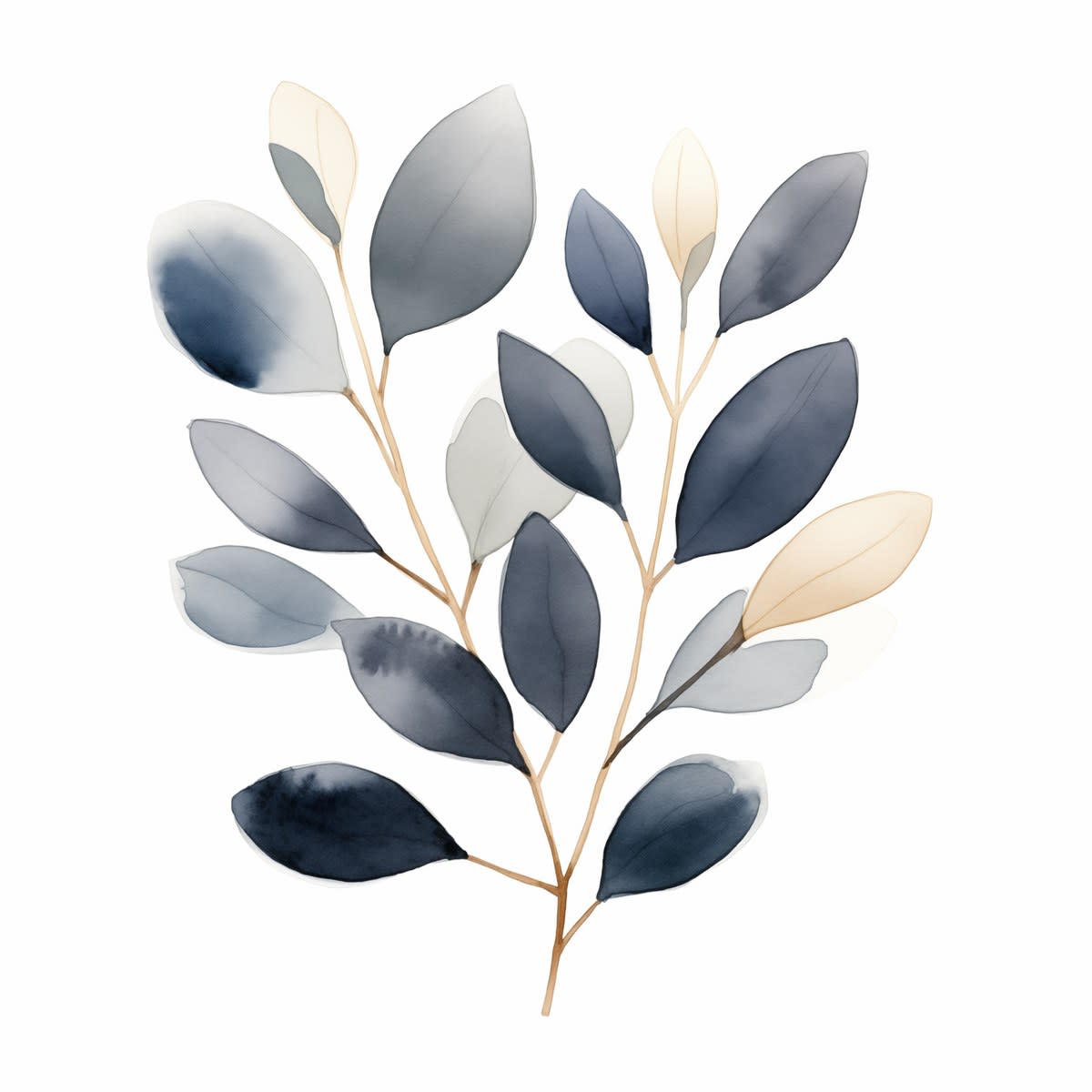
Eucalyptus I
First eucalyptus study — silver-green stems with characteristic round leaves.
More questions about downloads, licences or refunds? See the frequently asked questions.